 Ayos
Ayos
How to Convert Live Photos to Still Photos on iPhone
A Live Photo records what happens just before and after you take the picture, with sound. (Apple Support) That short video is stored with every Live Photo, whether or not you ever play it.
Make one Live Photo a still, in the Photos app
- Open the Photos app and open a Live Photo.
- Tap the edit button.
- Tap the Live button at the top of the screen to turn off Live. The photo becomes a still of its key photo.
(Apple Support) If a different moment in the clip looks better, set it as the key photo first: move the white frame on the frame viewer, tap Make Key Photo, then tap Done. (Apple Support)
Turning Live off is an edit, and Photos can always revert an edit to the original. (Apple Support) That's handy if you change your mind, but it means the original Live Photo, video and all, stays in your library.
Find all your Live Photos
Open Photos, tap Collections, scroll down, tap Media Types, then tap Live Photos. (Apple Support)
Stop taking new Live Photos
- Open Camera and make sure it's in Photo mode.
- Tap the arrow, or swipe up from Photo mode at the bottom of the screen.
- Tap Live, then choose Auto, On or Off.
(Apple Support) Live Photos are on by default.
Convert many Live Photos at once with Ayos
On iPhone and Mac, Ayos has a Live Photos pile. It lists your Live Photos with the biggest hidden video first and shows how much video they carry in total.
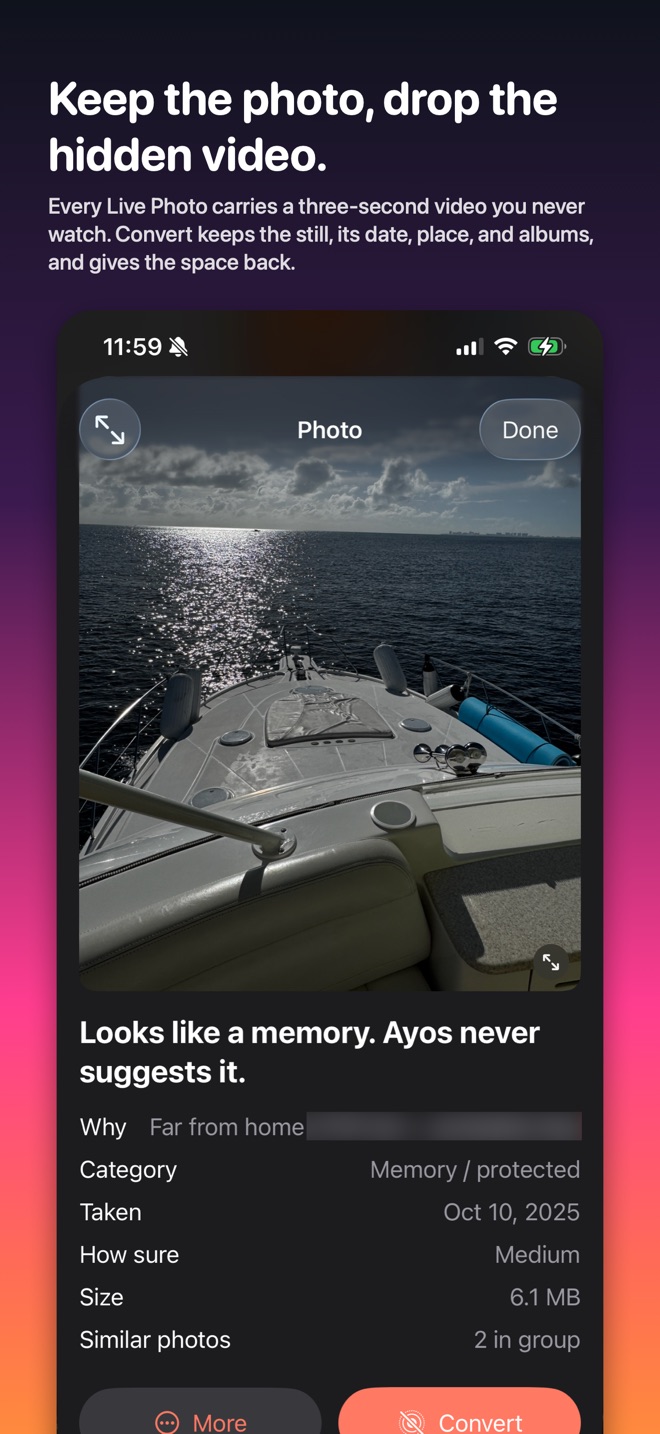
Pick the ones you want and tap Convert. For each one, Ayos makes a still that keeps the photo's date, place, favorite and albums, and drops the video. Edits are kept as they look now; captions, edit history and Portrait depth don't carry over. You choose what happens to the originals: keep them next to the new stills, or send them to the Review bin like anything else you pick, where they wait 7 days so you can take any back. After that, Photos asks once more and keeps them 30 days in Recently Deleted before the space comes back.
Converting needs full access to your photo library. Your first 5 conversions are free; Ayos Pro converts as many as you like, with no subscription. Live Photo conversion is on iPhone and Mac; the Android app doesn't have it.