 Ayos
Ayos: Photo Cleaner
The photo cleaner app that tells you why.
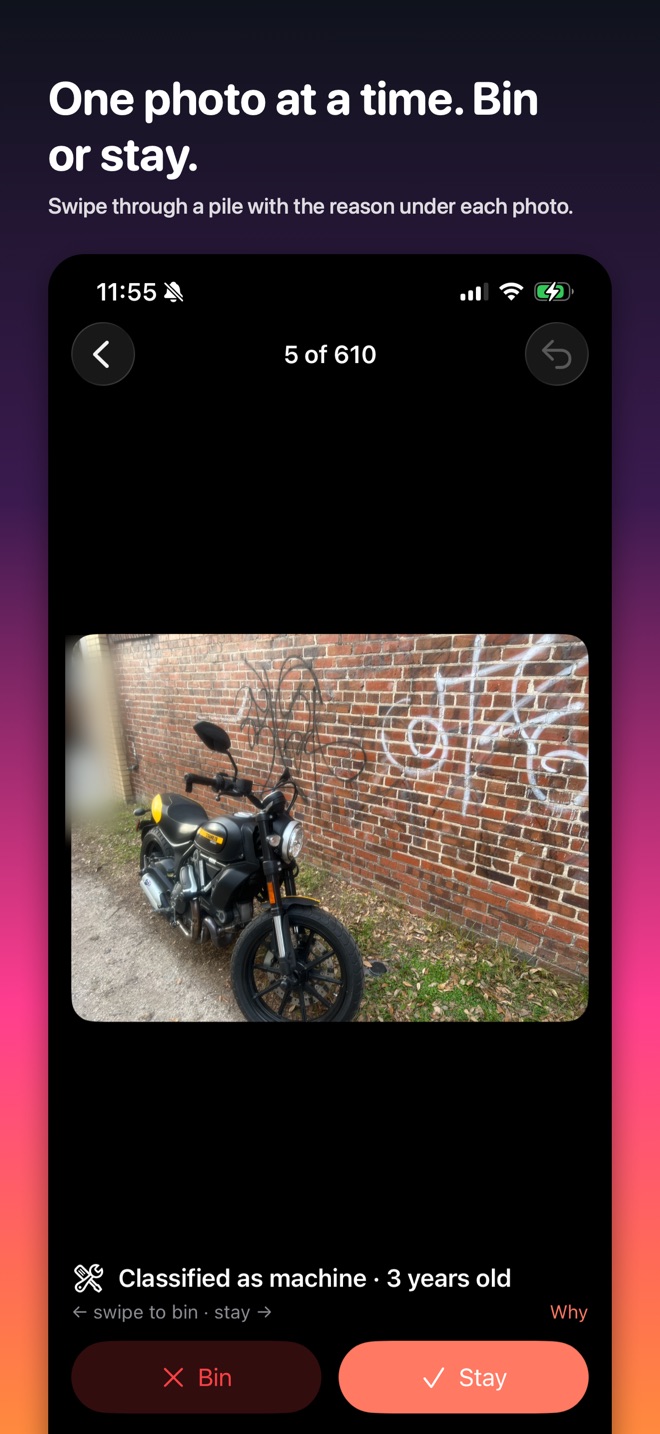
Your camera roll has a junk drawer. Ayos is a camera roll cleaner for iPhone, Mac and Android: it sorts the photos that were useful at the time but probably aren't memories into a pile called Possible Not a Memory, next to the piles every photo cleaner has, and gives every photo a reason you can read. You review, you decide, your photos app does the deleting.
App Store for iPhone Mac App Store Google Play
One purchase, no subscription · No account · Ayos does not upload your photos
What it finds
- Possible Not a MemoryReceipts and documents, products and shopping, memes and saved images, reference shots, old screenshots.
- DuplicatesExact copies, with the best one kept.
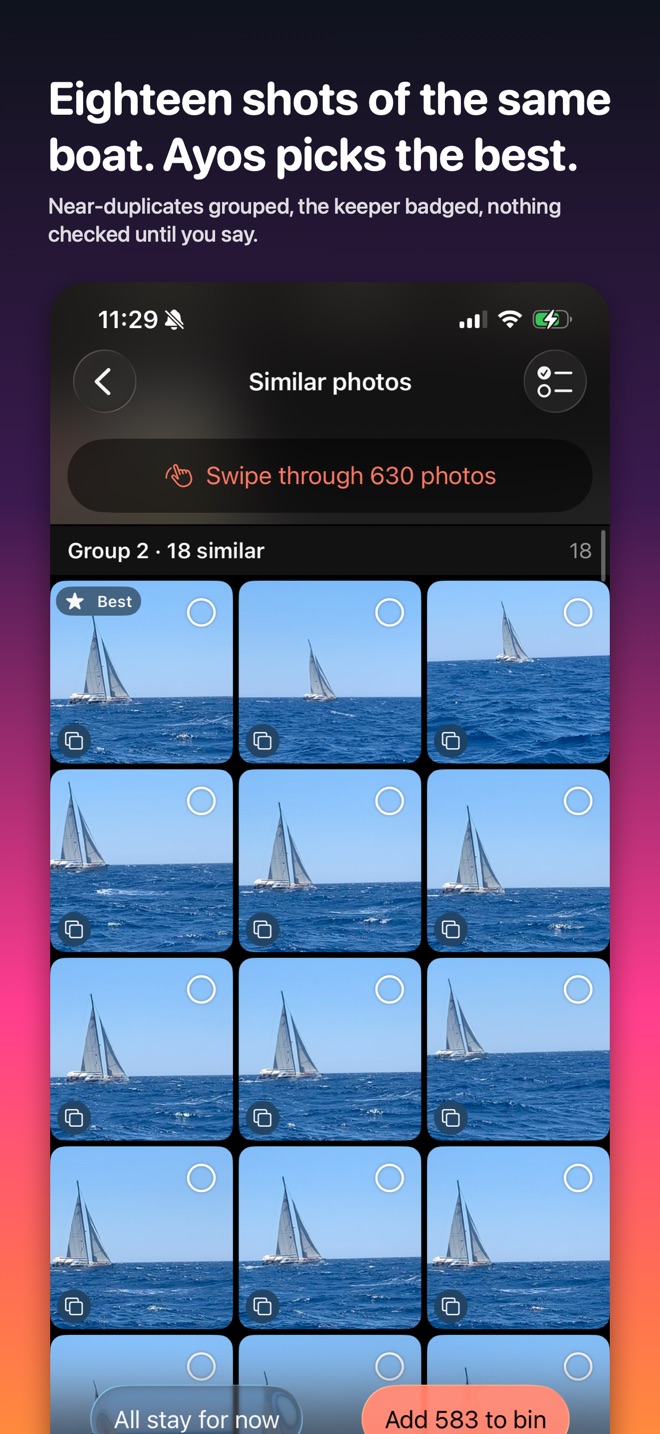
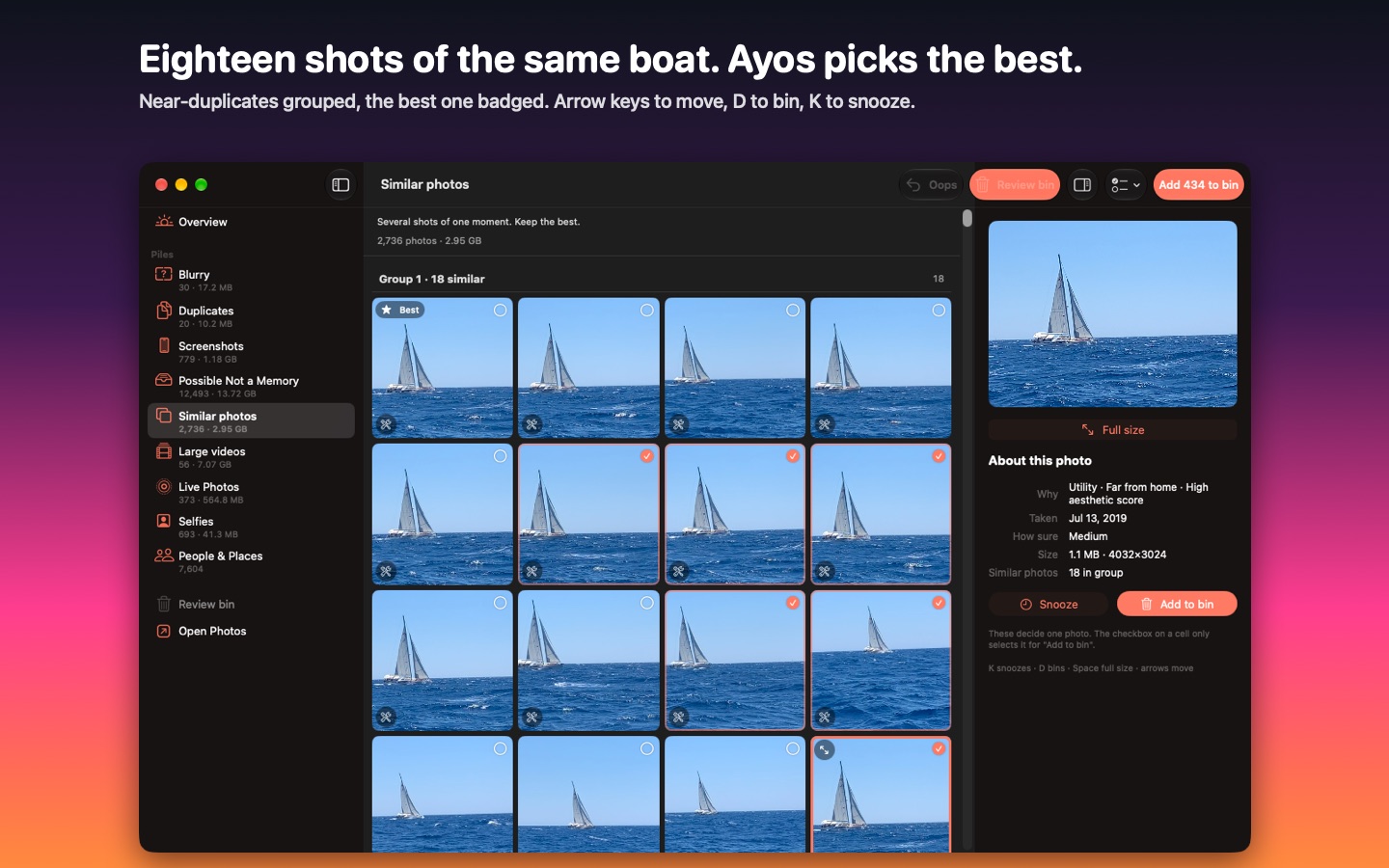
- Similar photosNear-identical shots of one moment, with the best one picked.
- ScreenshotsScreenshots and screen recordings, sorted into conversations, receipts, orders and more.
- BlurryToo little detail to be a usable photo.
- Large videosVideos over 100 MB, biggest first.
- Live PhotosKeep the still and drop the hidden three-second video, on iPhone and Mac.
- SelfiesFront-camera shots, offered and never pre-checked.
What it never does
- Upload anything. Analysis runs on the device: Apple's on-device frameworks on iPhone and Mac, Google's on-device ML Kit on Android. No account, no analytics, and no network connections of its own.
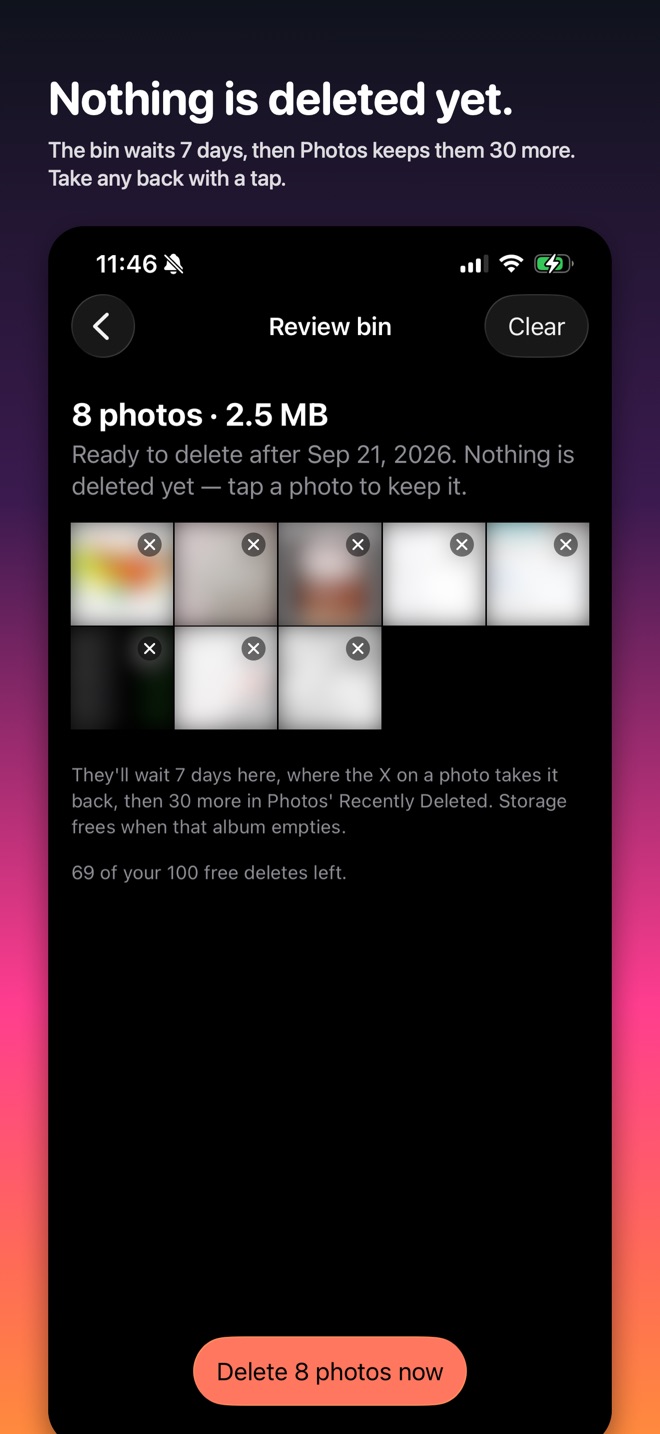
- Delete on its own. You choose what goes into the Review bin. It waits there 7 days, where you can take any photo back, then your photos app asks once more and keeps it 30 days in Recently Deleted.
- Suggest your favorites. Favorites, hidden photos and photos you filed in your own albums never appear.
Price
Free: scan your whole library, review every pile, delete your first 100 photos, and convert your first 5 Live Photos on iPhone and Mac. Ayos Pro is one purchase, $24.99 in the US and the App Store's local price elsewhere, with no subscription. One purchase covers iPhone and Mac. On Android, Pro is its own purchase on Google Play.
Requirements
Cleaning up by hand first?
These guides start with the tools already in the Photos app.